

Meetings and classrooms
Send a presentation to a projector across the room.
| You get | Result |
|---|---|
| Video | 1080p60 |
| Range | Up to 50m |
| Outputs | HDMI + VGA |
Use: Transmitter on the source, receiver on the display.





UGREEN CM506 50M Wireless HDMI Extender with HDMI & VGA Output,...

The UGREEN Wireless HDMI Extender (50633A) sends Full HD 1080p 60Hz video from a laptop, set-top box or camera to a TV or projector up to 50m away over 5GHz wireless, with no cable to run. The receiver has both HDMI and VGA outputs, ideal for meeting rooms, classrooms and events.

Up to 50m in open, line-of-sight conditions.

Share a laptop screen without a long cable.

Outputs for new and older displays.
Send a presentation to a projector across the room.
| You get | Result |
|---|---|
| Video | 1080p60 |
| Range | Up to 50m |
| Outputs | HDMI + VGA |
Use: Transmitter on the source, receiver on the display.
| Device | Status | What to expect |
|---|---|---|
| Laptops, set-top boxes, cameras with HDMI | Compatible | Transmitter |
| HDMI or VGA TVs, monitors, projectors | Compatible | Receiver |
| Through walls and metal | Partly | Range drops |
| Fast gaming | Not supported | Wireless adds latency |
| Model | UGREEN 50633A (CM506) |
|---|---|
| Resolution | Up to 1920 × 1080 @60Hz |
| Wireless | 5GHz |
| Range | Up to 50m line of sight |
| Outputs | HDMI + VGA |
Not suited to fast gaming.
Up to 50m in open space.
No, the units link directly.
Yes.
No, latency is too high.
Genuine UGREEN, imported and sold by Sophus Technosol Pvt Ltd, the authorised national distributor. GST invoice with every order. 2-year India warranty.
The UGREEN Wireless HDMI Extender (50633A) sends Full HD 1080p 60Hz video from a laptop, set-top box or camera to a TV or projector up to 50m away over 5GHz wireless, with no cable to run. The receiver has both HDMI and VGA outputs, ideal for meeting rooms, classrooms and events.
Up to 50m in open, line-of-sight conditions.
Share a laptop screen without a long cable.
Outputs for new and older displays.
Send a presentation to a projector across the room.
| You get | Result |
|---|---|
| Video | 1080p60 |
| Range | Up to 50m |
| Outputs | HDMI + VGA |
Use: Transmitter on the source, receiver on the display.
| Device | Status | What to expect |
|---|---|---|
| Laptops, set-top boxes, cameras with HDMI | Compatible | Transmitter |
| HDMI or VGA TVs, monitors, projectors | Compatible | Receiver |
| Through walls and metal | Partly | Range drops |
| Fast gaming | Not supported | Wireless adds latency |
| Model | UGREEN 50633A (CM506) |
|---|---|
| Resolution | Up to 1920 × 1080 @60Hz |
| Wireless | 5GHz |
| Range | Up to 50m line of sight |
| Outputs | HDMI + VGA |
Not suited to fast gaming.
Up to 50m in open space.
No, the units link directly.
Yes.
No, latency is too high.
Genuine UGREEN, imported and sold by Sophus Technosol Pvt Ltd, the authorised national distributor. GST invoice with every order. 2-year India warranty.
Country of Origin: China
Manufactured by: UGREEN Group Limited
Imported & Marketed by: Sophus Technosol Private Limited, Durga Complex, 2nd Floor, #38/1, 3rd Cross, Sahakarnagar G Block, Bengaluru – 560092, Karnataka, India
Customer care: +91 94038 93363 (phone / WhatsApp) · info@ugreenindia.com · Mon–Sat, 10:30–18:00 IST
GST Invoice available, just mail back with details to order confirmation mail.
GST Invoice, Warranty, authenticity, faster support

The transmitter and receiver create a direct wireless link between the source and display. The two external receiver antennas help maintain signal strength across meeting rooms, classrooms, auditoriums, halls and other larger spaces.
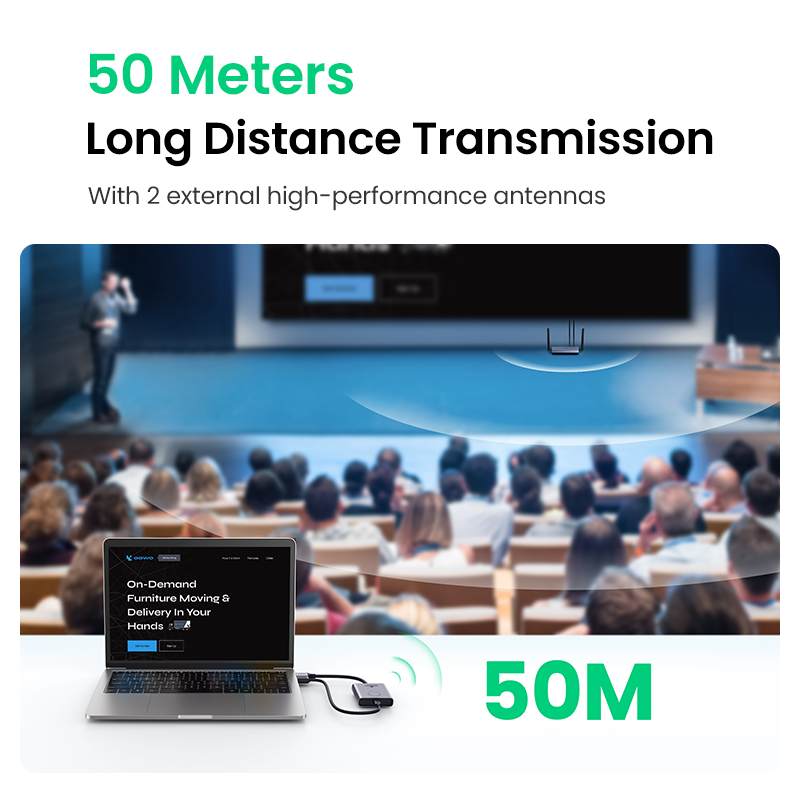
Actual usable distance depends on the room layout and wireless environment. Walls, concrete, metal, cabinets, crowds and competing wireless networks can shorten the range or affect picture stability.
For Better Signal Stability.
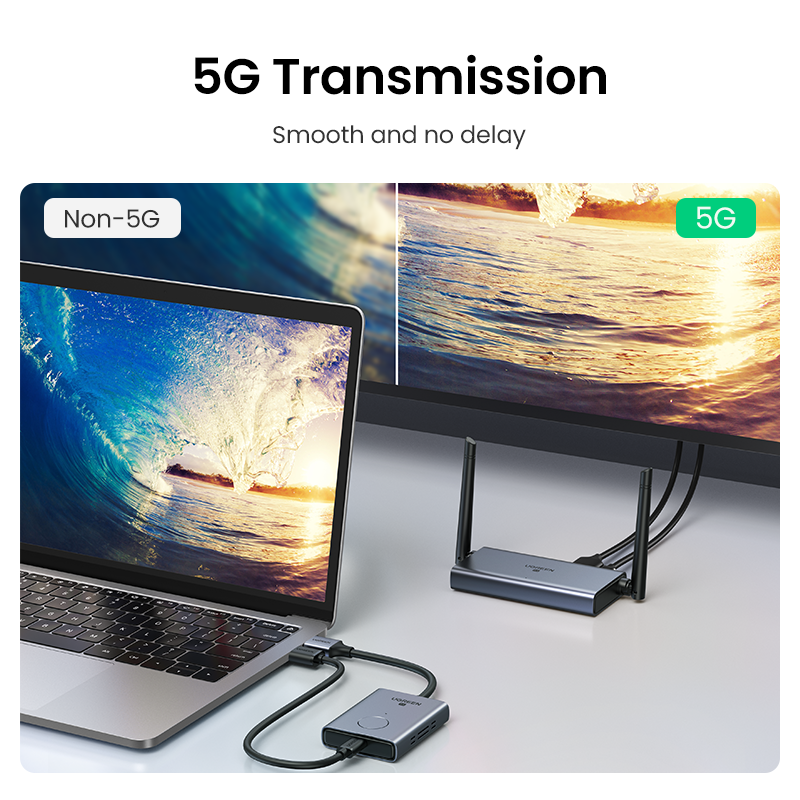
The 5GHz wireless link is designed to provide a stable point-to-point connection with less congestion than many traditional 2.4GHz environments. It carries video and embedded HDMI audio from the source to the remote receiver.
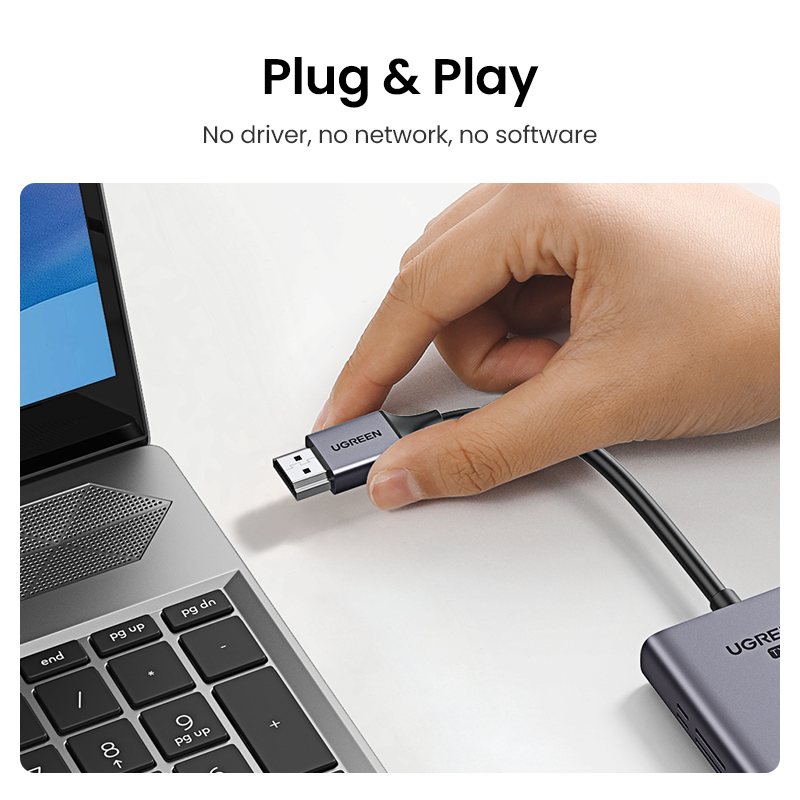
Connect the transmitter to the HDMI source, connect the receiver to an HDMI or VGA display, provide USB power to both units and allow the pre-paired devices to establish the wireless connection.
1. Connect TX. Connect the transmitter’s HDMI plug to the laptop, desktop, console or media source.
2. Connect RX. Connect the receiver to the TV, monitor or projector using HDMI or VGA.
3. Add Power. Connect suitable USB power to the USB-C port on both transmitter and receiver.
4. Start Displaying. Wait for the indicator lights to confirm pairing and select the display mode on the source.
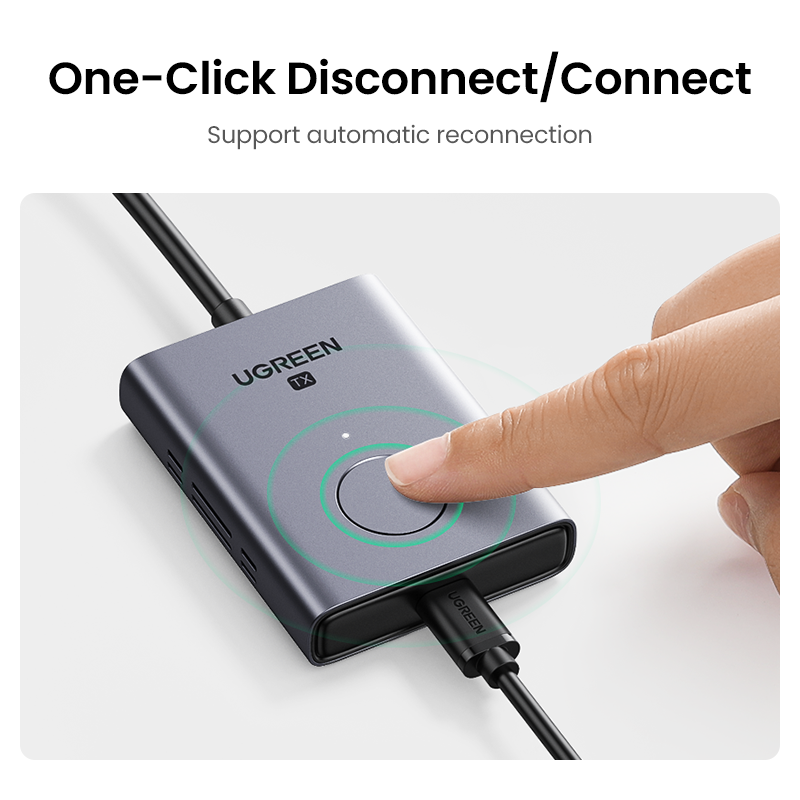
The transmitter includes a multifunction button and status indicator for connection control. Once powered and paired, the transmitter and receiver are designed to reconnect automatically during normal use.
Simple Daily Operation.
The transmitter accepts an HDMI signal from the source device. At the remote end, the receiver can connect to a newer HDMI display or an older VGA monitor or projector.
Port Layout.
Although the receiver has both HDMI and VGA ports, only one video output can be active at a time. The ports are provided for display compatibility and are not designed to drive two displays together.
Choose One Receiver Output.
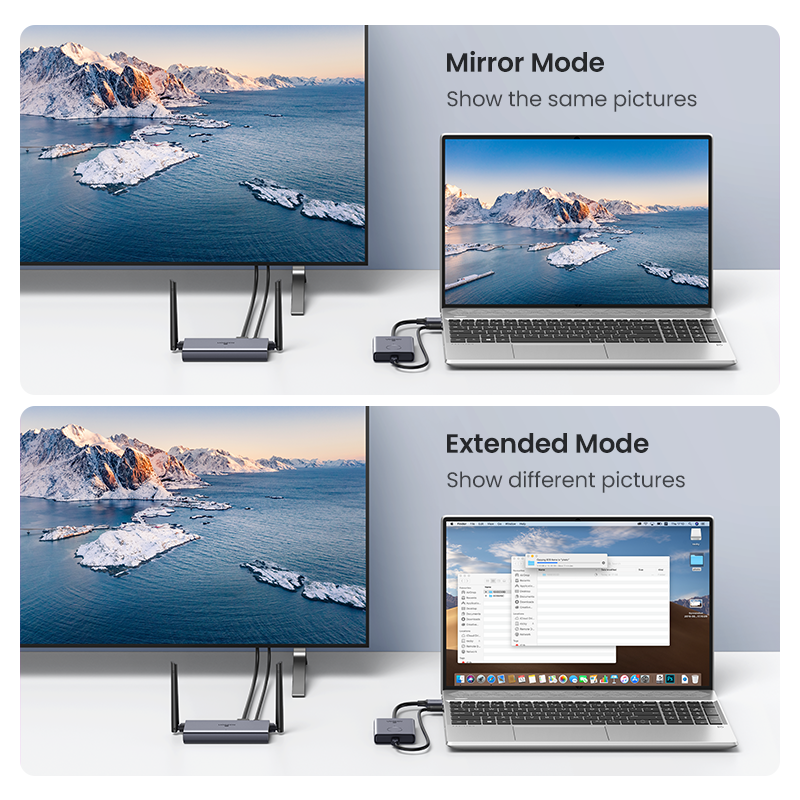
Compatible Windows and macOS computers can normally use their operating-system display settings to duplicate the main screen or extend the desktop onto the remote display. Available modes depend on the HDMI source device and its operating system.
Mirror Mode. Show the same presentation, video or application on both the source screen and remote display.
Extended Mode. Use the remote display as an additional desktop for notes, presentations or separate applications.
When using HDMI output, compatible digital audio can travel together with the video signal. When using a VGA monitor or projector, connect speakers or an audio system to the receiver’s 3.5mm audio output.
Audio Connection Guide.
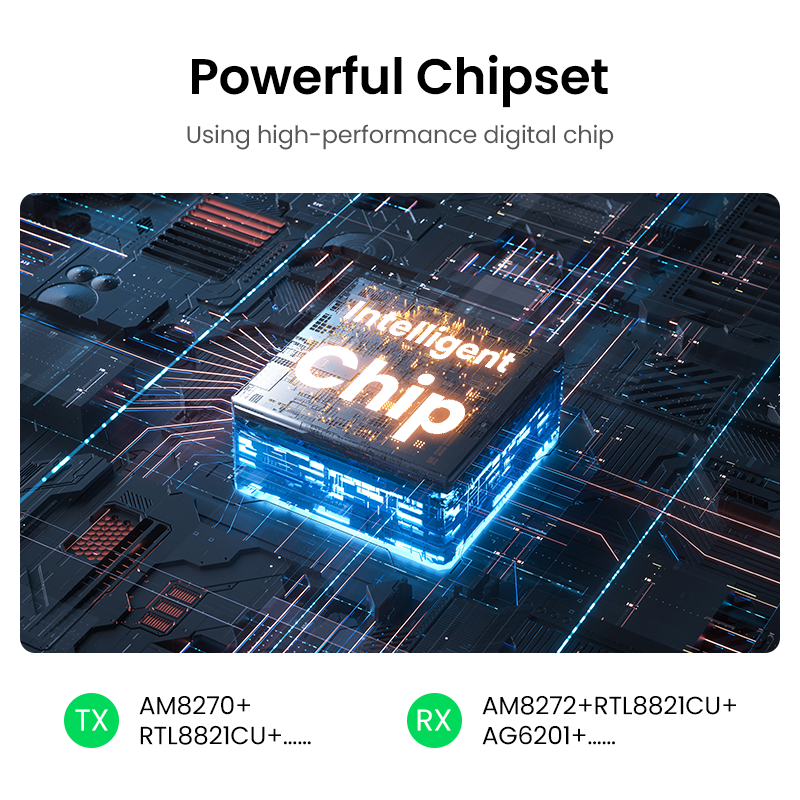
Dedicated transmitter and receiver hardware process and transport the HDMI signal without depending on screen-mirroring applications, cloud services or an office network.
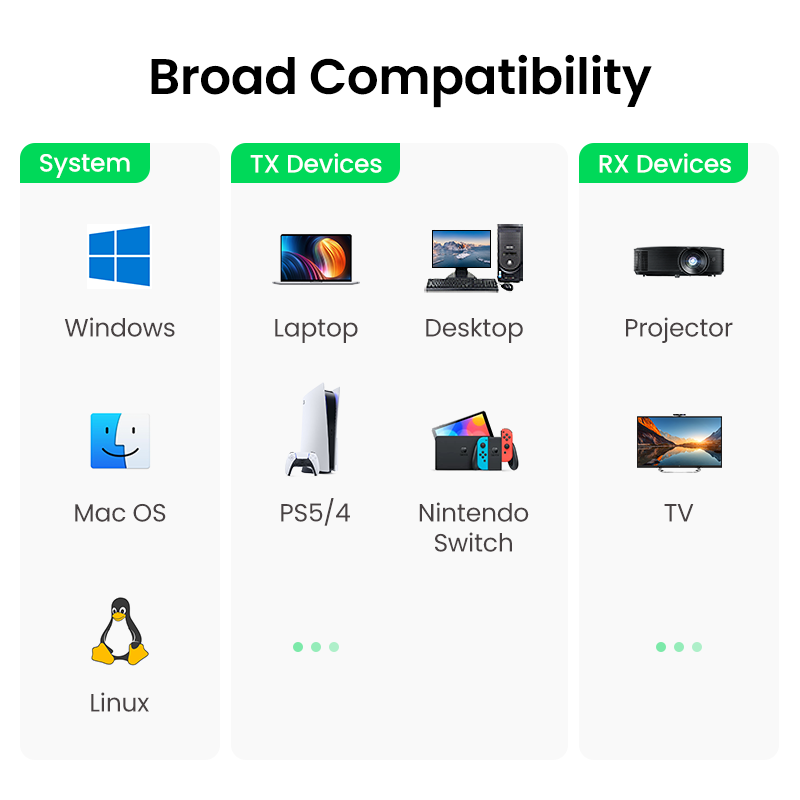
The transmitter works with compatible devices that provide standard HDMI output. The receiver works with displays that provide HDMI input or VGA input.
Computers. Compatible laptops and desktops running Windows, macOS or Linux with HDMI output.
Media Sources. Compatible media players, set-top boxes and other HDMI output devices.
Game Consoles. Compatible HDMI consoles for casual gaming and general screen display.
Televisions. Connect the receiver to a television using its HDMI input.
Projectors. Works with compatible HDMI or VGA projectors in classrooms and meeting rooms.
Monitors. Use a compatible HDMI monitor or a legacy VGA display.
The transmitter and receiver need stable USB power during operation. Product-specific regional specifications state a 5V/1A supply requirement for each unit.
Power Supply Notes.
Business Presentations. Send slides and reports from the meeting table to a distant conference display.
Education. Connect a teacher’s computer to a classroom projector without cables across the floor.
Digital Signage. Transmit Full HD content to a remotely installed display in suitable environments.
Home Entertainment. Send content from a compatible media device to a television in the same open area.
Events & Auditoriums. Reduce temporary floor cabling during speeches, seminars and small events.
Legacy Projectors. Use the VGA receiver output with older projectors while extracting sound separately.
Wireless display systems prioritise installation convenience. A direct HDMI cable will normally provide the lowest latency and greatest immunity to interference for professional gaming, live production and other timing-critical applications.
Best Suited For.
Important answers for customers buying the UGREEN 50633A Wireless HDMI Extender.
What is UGREEN 50633A used for?. It wirelessly sends an HDMI video and audio signal from a source device to a remote HDMI or VGA television, monitor or projector.
What is the maximum resolution?. The maximum listed output resolution is Full HD 1080p at 60Hz.
Does it support 4K?. No. This 50633A configuration supports up to 1080p@60Hz and should not be advertised as a 4K extender.
Will it work across 50 metres through walls?. The 50-metre figure is a maximum open line-of-sight rating. Walls, metal, furniture, crowds and wireless interference can substantially reduce the actual distance.
Can HDMI and VGA displays work together?. No. The receiver has HDMI and VGA for compatibility, but only one video output can operate at a time.
Does VGA carry sound?. No. Connect speakers or an audio system to the receiver’s 3.5mm audio output when using VGA.
Does it require Wi-Fi or internet?. No. The transmitter and receiver establish their own direct wireless connection and do not require a router or internet service.
Does it require software?. No driver or application is normally required. Connect the hardware, provide power and allow the pre-paired units to connect.
Can it extend the desktop instead of only mirroring?. Compatible computers can normally select duplicate or extended desktop mode through their operating-system display settings.
Can I connect a VGA source?. No. The source connection is HDMI. VGA is available only as a receiver output for a compatible monitor or projector.
Does it need external power?. Yes. Both transmitter and receiver require suitable USB power through their USB-C power ports.
Can one transmitter connect to multiple receivers?. This model is designed as a one-transmitter-to-one-receiver point-to-point kit.
Is it suitable for gaming?. It can be used for casual gaming, but wireless transmission can introduce latency. A direct HDMI cable is better for competitive or timing-critical gaming.
What is the warranty?. The UGREEN India product-specific specification lists an 24-month warranty.
Shop genuine UGREEN wireless display solutions with GST invoice availability, official India warranty support, assured authenticity and responsive local assistance.
Complete product information for UGREEN CM506 / SKU 50633A 50M Wireless HDMI and VGA Extender.