


Films and presentations
Share a screen on a TV or projector.
| You get | Result |
|---|---|
| Video | 1080p60 |
| Audio | Yes |
| Setup | Plug and play |
Use: Select the right input on the display.




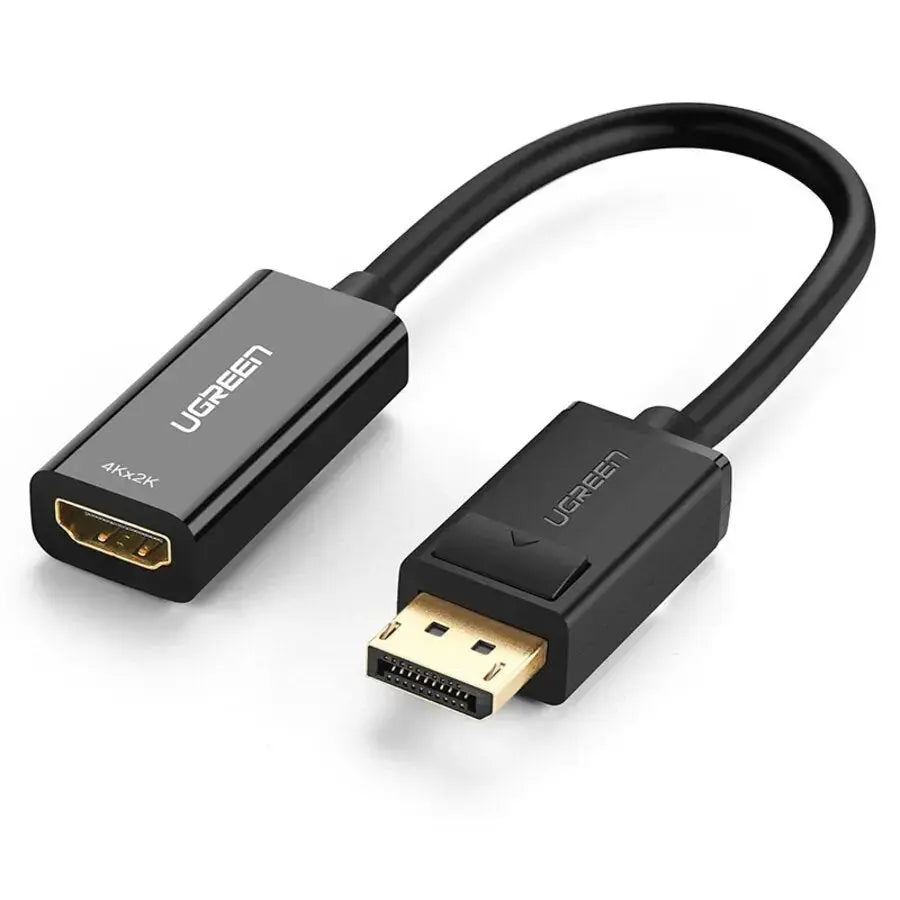
The UGREEN DisplayPort to HDMI Active Adapter (40362) lets a PC or graphics card with DisplayPort connect to an HDMI cable, TV or monitor. It carries 1080p60 video and audio, from the DisplayPort side to the HDMI side, for presentations, a second screen or films on a bigger display.

Sharp 1080p60 video on an HDMI TV, monitor or projector.

Shielded cable and solid connectors for a stable picture.
Share a screen on a TV or projector.
| You get | Result |
|---|---|
| Video | 1080p60 |
| Audio | Yes |
| Setup | Plug and play |
Use: Select the right input on the display.
| Device | Status | What to expect |
|---|---|---|
| PCs and graphics cards with DisplayPort | Compatible | Source |
| HDMI TVs and monitors | Compatible | Display |
| Using it in reverse | Not supported | One-way only |
| Model | UGREEN 40362 (MM137) |
|---|---|
| Connectors | DisplayPort male to HDMI female |
| Resolution | 1080p60 |
| Audio | Yes |
| Direction | DisplayPort to HDMI only |
Devices not included.
If there is no sound, choose the display as the audio output in your computer settings.
No. It only works from DisplayPort to HDMI.
Yes.
Up to 1080p60, if both devices support it.
No.
Genuine UGREEN, imported and sold by Sophus Technosol Pvt Ltd, the authorised national distributor. GST invoice with every order. 2-year India warranty.
The UGREEN DisplayPort to HDMI Active Adapter (40362) lets a PC or graphics card with DisplayPort connect to an HDMI cable, TV or monitor. It carries 1080p60 video and audio, from the DisplayPort side to the HDMI side, for presentations, a second screen or films on a bigger display.
Sharp 1080p60 video on an HDMI TV, monitor or projector.
Shielded cable and solid connectors for a stable picture.
Share a screen on a TV or projector.
| You get | Result |
|---|---|
| Video | 1080p60 |
| Audio | Yes |
| Setup | Plug and play |
Use: Select the right input on the display.
| Device | Status | What to expect |
|---|---|---|
| PCs and graphics cards with DisplayPort | Compatible | Source |
| HDMI TVs and monitors | Compatible | Display |
| Using it in reverse | Not supported | One-way only |
| Model | UGREEN 40362 (MM137) |
|---|---|
| Connectors | DisplayPort male to HDMI female |
| Resolution | 1080p60 |
| Audio | Yes |
| Direction | DisplayPort to HDMI only |
Devices not included.
If there is no sound, choose the display as the audio output in your computer settings.
No. It only works from DisplayPort to HDMI.
Yes.
Up to 1080p60, if both devices support it.
No.
Genuine UGREEN, imported and sold by Sophus Technosol Pvt Ltd, the authorised national distributor. GST invoice with every order. 2-year India warranty.
Country of Origin: China
Manufactured by: UGREEN Group Limited
Imported & Marketed by: Sophus Technosol Private Limited, Durga Complex, 2nd Floor, #38/1, 3rd Cross, Sahakarnagar G Block, Bengaluru – 560092, Karnataka, India
Customer care: +91 94038 93363 (phone / WhatsApp) · info@ugreenindia.com · Mon–Sat, 10:30–18:00 IST
GST Invoice available, just mail back with details to order confirmation mail.
GST Invoice, Warranty, authenticity, faster support

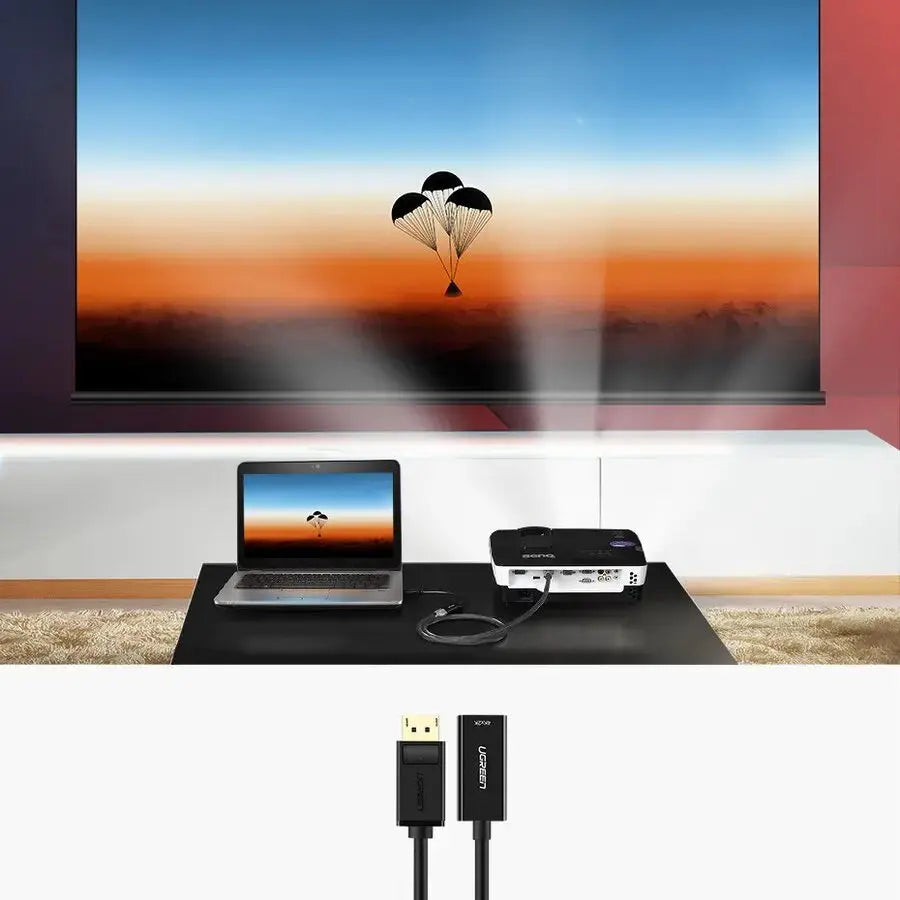
Insert the DisplayPort male plug into a compatible desktop computer, laptop, workstation or graphics card. Connect a separate HDMI cable to the adapter’s HDMI female socket and then connect the other end to an HDMI monitor, television or projector.
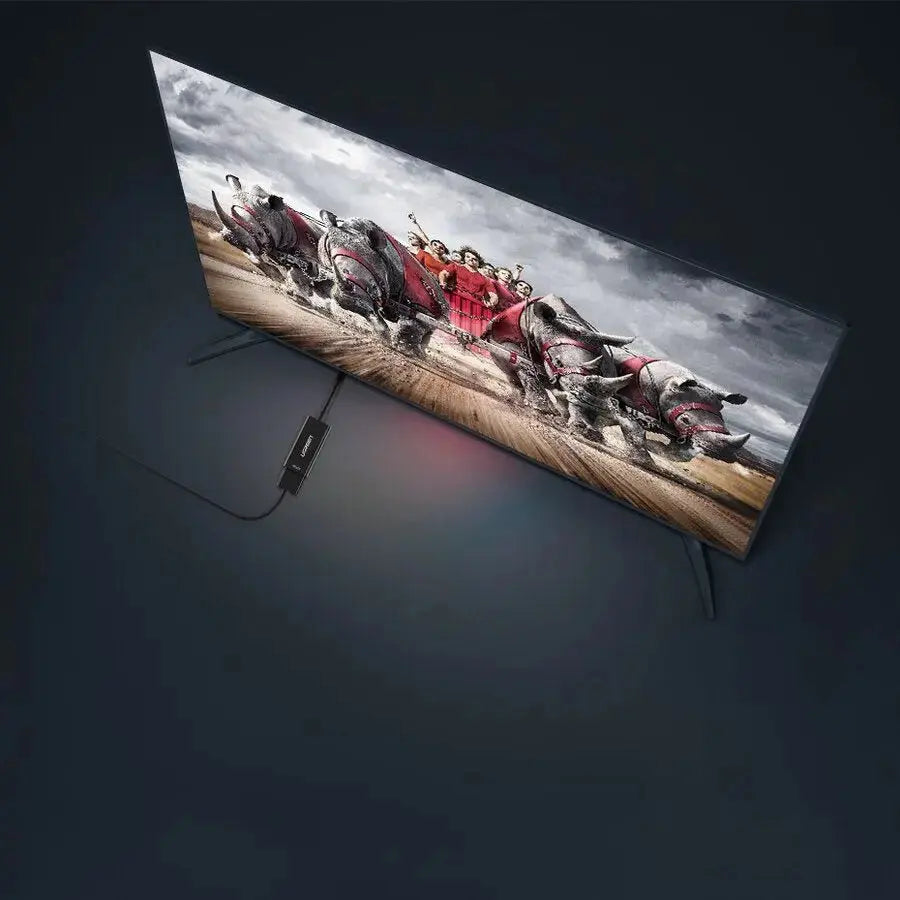
Signal conversion works only from a DisplayPort-equipped source to an HDMI-equipped display. It cannot connect an HDMI-output laptop, console or streaming device to a DisplayPort monitor.
Correct Connection.
The adapter supports Full HD output up to 1080p at 60Hz for compatible monitors, televisions and projectors. It is suitable for documents, presentations, videos, web browsing, office applications and everyday desktop use.
The adapter can transmit digital video and compatible audio together, including supported LPCM audio. This allows sound to play through an HDMI television, monitor, projector or connected audio system when the source computer provides DisplayPort audio.
Audio Requirements.
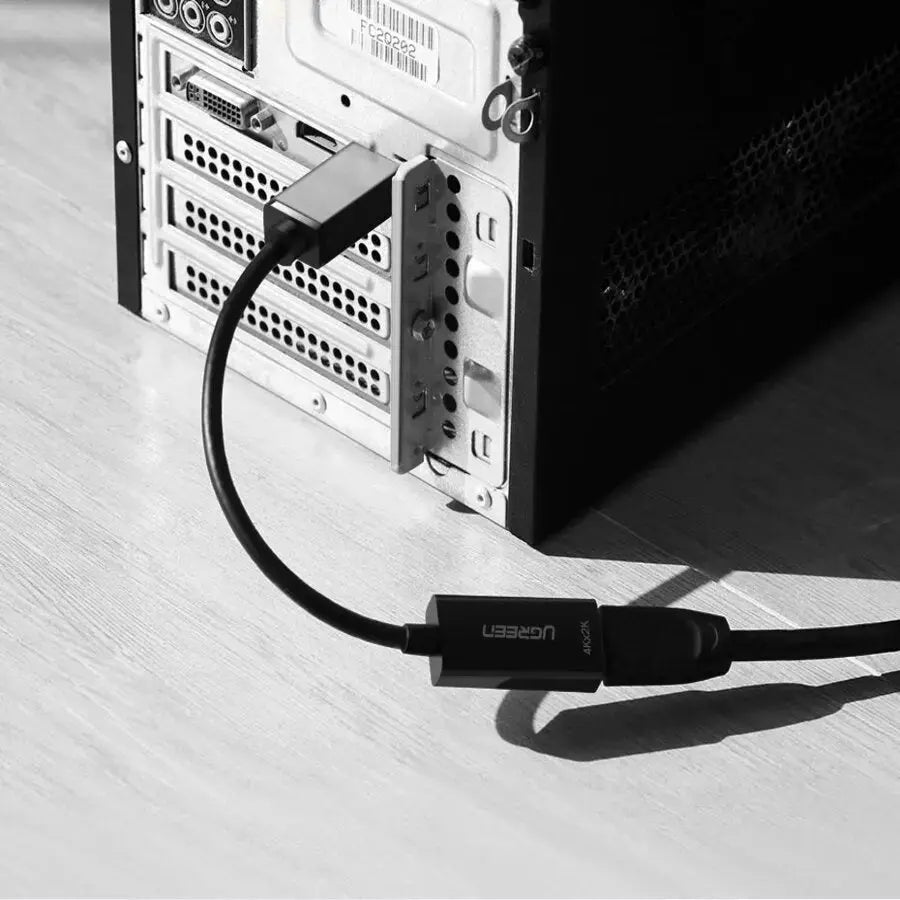
Compatible computers can use their normal display settings to mirror the primary screen or extend the desktop onto the connected HDMI display.
Mirror Mode. Display the same presentation, video or application on both the computer and the external screen.
Extended Mode. Use the HDMI monitor or projector as an additional desktop for separate applications and windows.
1. Connect DP. Insert the DisplayPort plug into the source computer or graphics card.
2. Add HDMI Cable. Connect a separate HDMI male cable to the HDMI female socket.
3. Connect Display. Connect the HDMI cable to the monitor, television or projector.
4. Select Display Mode. Choose mirror or extended mode in the computer’s display settings.
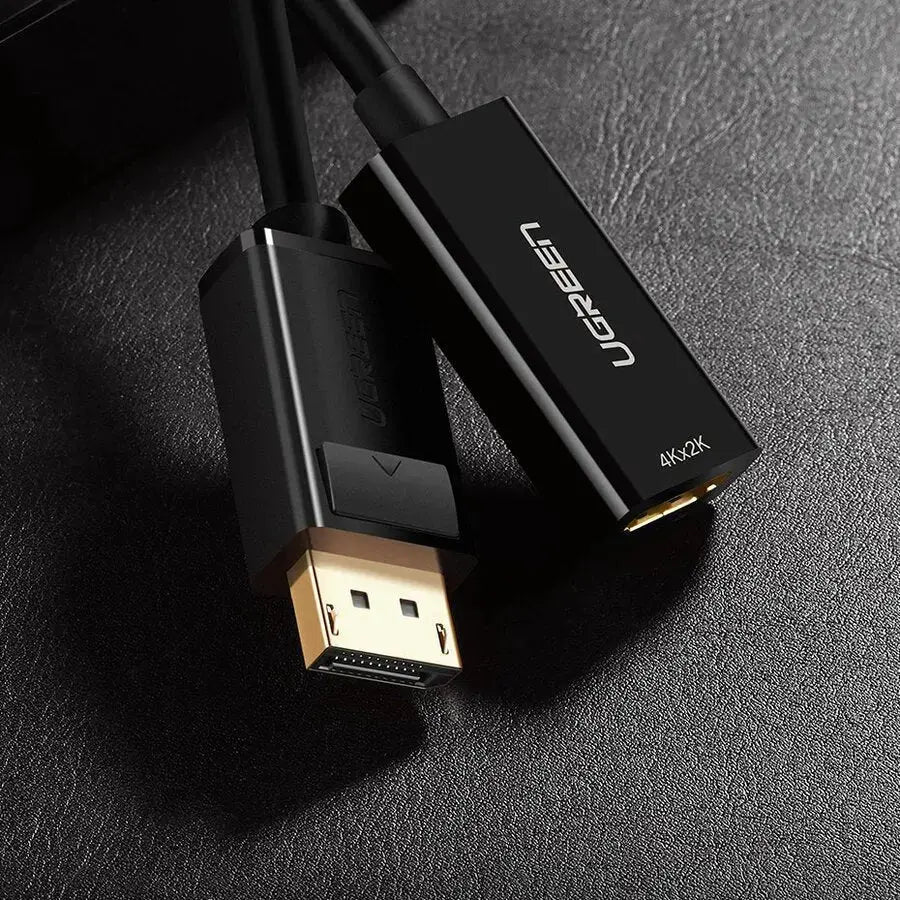
Gold-plated connector surfaces help resist corrosion and maintain consistent contact. The short flexible cable reduces direct strain on the computer’s DisplayPort socket, while the moulded housing protects the internal conversion electronics.
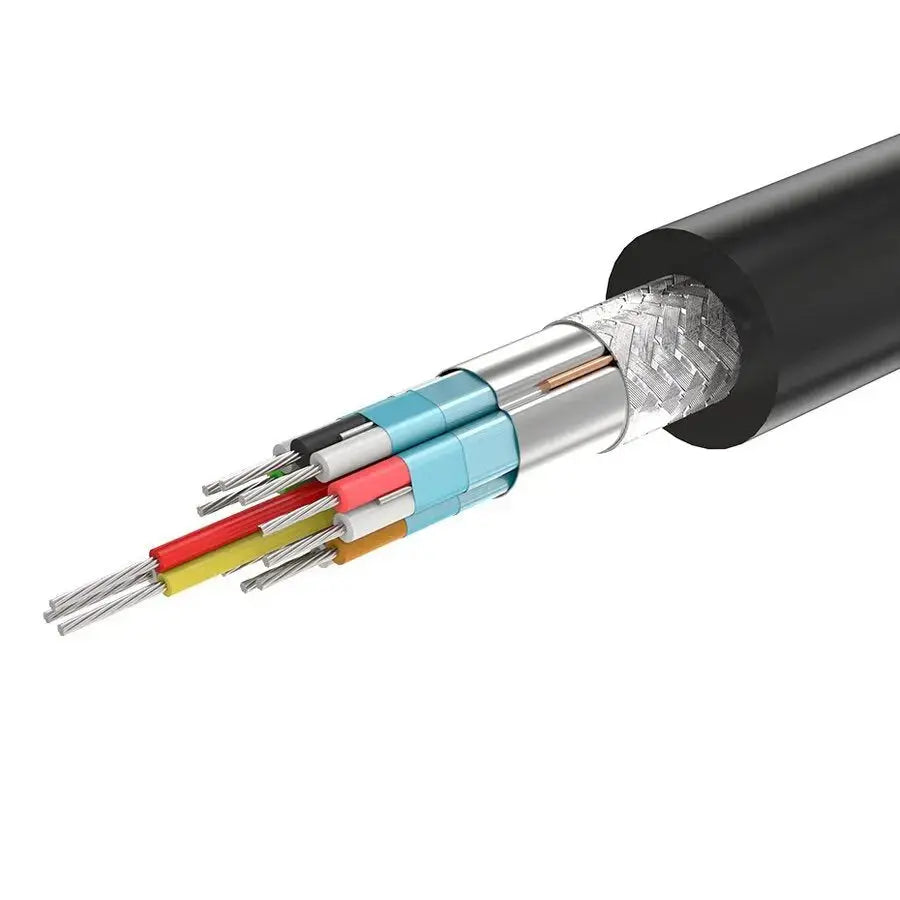
The adapter is designed for source devices with a full-size DisplayPort output and display devices with a standard HDMI input. Compatibility depends on the source’s DisplayPort capabilities and the display’s supported resolution.
Desktop PCs. Connect a compatible desktop DisplayPort output to an HDMI display.
Graphics Cards. Use an available full-size DisplayPort output on a compatible GPU.
Business Laptops. Suitable for laptops and docking stations fitted with full-size DisplayPort output.
HDMI Monitors. Connect office and home monitors with standard HDMI input.
Televisions. Display computer content on compatible Full HD televisions.
Projectors. Connect to HDMI projectors for meetings, classes and presentations.

This model is intended for straightforward Full HD DisplayPort-to-HDMI conversion. It does not provide HDMI input, DisplayPort output, USB connectivity, capture functions or multi-monitor splitting.
Important answers for customers buying the UGREEN 40362 DisplayPort to HDMI Adapter.
What is UGREEN 40362 used for?. It connects a computer or graphics card with full-size DisplayPort output to an HDMI monitor, television or projector.
What is the maximum resolution?. The verified maximum specification for SKU 40362 is Full HD 1920 × 1080 at 60Hz.
Does this adapter support 4K?. The current UGREEN India title and description identify this model as 1080p@60Hz. Do not purchase it specifically for 4K output.
Can it convert HDMI to DisplayPort?. No. It is unidirectional and works only from a DisplayPort source to an HDMI display.
Is an HDMI cable included?. No HDMI cable is specified as included. A separate HDMI male-to-male cable is required.
Does it carry audio?. Yes, when the source DisplayPort output and HDMI destination support audio. Select the HDMI display as the sound-output device in the computer settings.
Does it support mirror and extended mode?. Yes. Compatible computers can duplicate the main screen or use the HDMI display as an extended desktop.
Does it require a driver?. No additional adapter driver is normally required. Display configuration is handled through the computer’s operating-system settings.
Will it work with a USB-C laptop?. Not directly. The laptop must have a full-size DisplayPort output. A USB-C laptop requires a suitable USB-C-to-HDMI adapter instead.
Is DisplayPort the same as Mini DisplayPort?. No. This adapter uses the larger full-size DisplayPort connector and does not fit Mini DisplayPort or Thunderbolt 1/2 sockets.
Can it connect a gaming console to a DisplayPort monitor?. No. Consoles normally provide HDMI output, and this adapter does not convert HDMI output into DisplayPort input.
Shop genuine UGREEN display adapters in India with GST invoice availability, assured authenticity, official India warranty support and responsive local assistance.
Complete product information for UGREEN MM137 / SKU 40362 DisplayPort Male to HDMI Female Adapter.