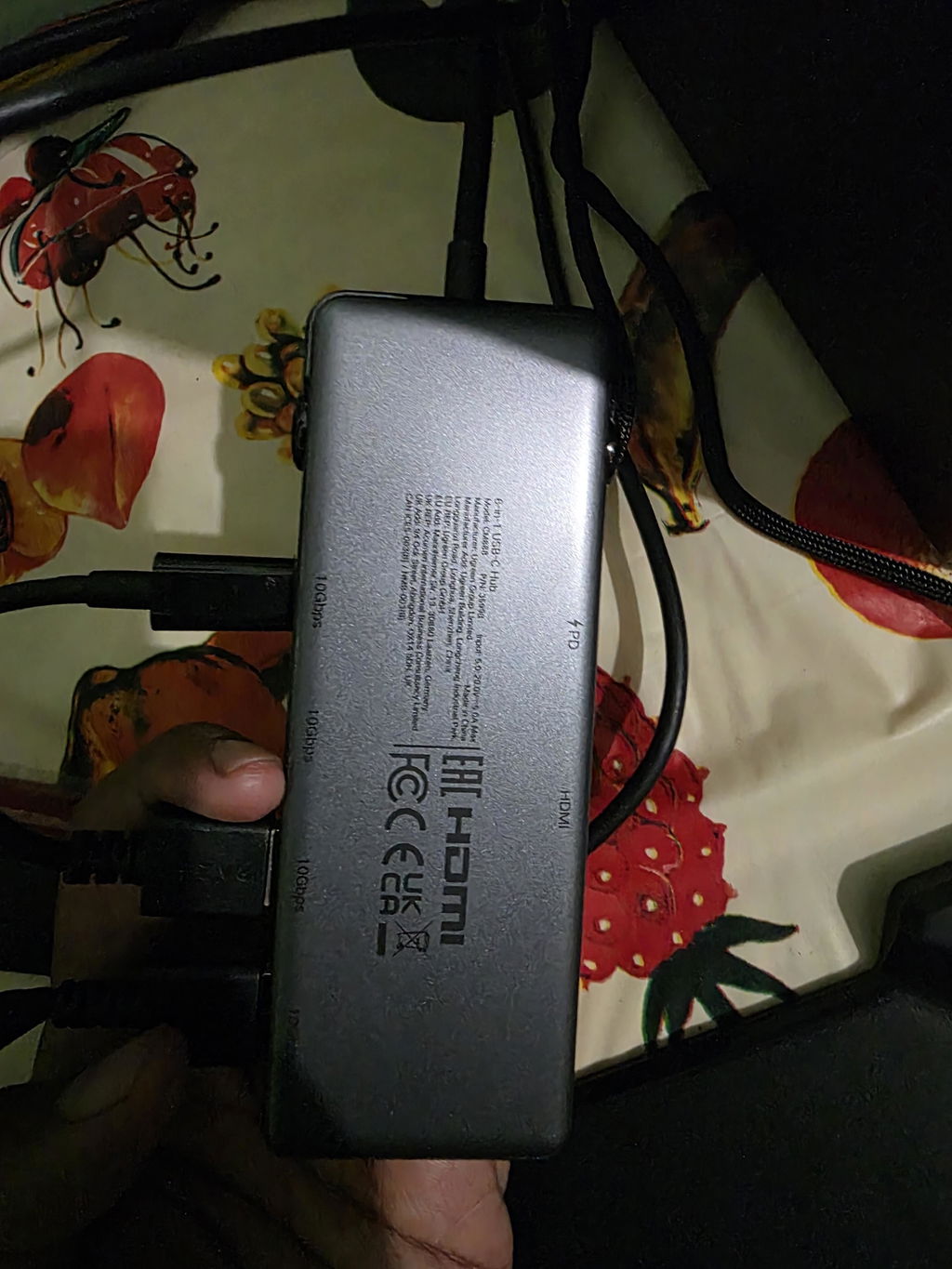


Exact model 35998
UGREEN Uno 6-in-1 Hub: Four 10Gbps Data Ports, 4K@60Hz and PD
Model 35998 expands a compatible USB-C host with two 10Gbps USB-C data ports, two 10Gbps USB-A data ports, one HDMI output up to 4K@60Hz and one 100W PD input that can deliver up to 85W to the host. Uno LED emojis provide a distinctive visual status cue.
Product overview
Overview
What model 35998 is designed to do
UGREEN Uno 35998 is designed for customers who need fast USB storage and one external display from a single USB-C host connection. The four downstream data ports are evenly split between USB-C and USB-A, each listed up to 10Gbps.
The HDMI output supports up to 4K@60Hz only when the host video path supports DisplayPort 1.4 and the display and HDMI cable also support that mode. A DP 1.2 host can be limited to a lower refresh rate, commonly 4K@30Hz.

At a glance
Key features
Six ports with clear role separation
USB-C data × 2
Up to 10Gbps each for storage and peripherals. These downstream ports do not provide video or device charging.
USB-A data × 2
Up to 10Gbps each for SSDs, flash drives and compatible USB-A equipment.
HDMI × 1
One external display up to 4K@60Hz when the host supports DP 1.4 video over USB-C.
USB-C PD × 1
Charging input up to 100W, with up to 85W passed to the host. It does not transfer files or display video.

Four 10Gbps data ports
Connect modern USB-C and USB-A storage without a connector compromise
Two downstream USB-C ports and two USB-A ports are each listed up to 10Gbps. This gives equal high-speed connector options for SSDs, enclosures, flash drives, card readers and other compatible peripherals.
- Use a 10Gbps-rated cable or device for each peripheral.
- Safely eject storage before unplugging.

Single 4K display
HDMI up to 4K@60Hz with a DP 1.4-capable host
The HDMI port can reach 4K at 60Hz when the source USB-C port supports DisplayPort Alt Mode with DP 1.4 bandwidth and the display/cable support the same mode.
- Verify DP Alt Mode and DP version on the host.
- Use a suitable HDMI cable and display input.

Power Delivery pass-through
Accept up to 100W and pass up to 85W to the host
A separate USB-C PD charger connects to the dedicated input. The hub reserves up to 15W for its own operation and downstream devices, leaving a listed maximum of 85W for the host.
- Charger and charging cable are sold separately.
- The host must accept USB-C PD input.
Uno visual status
LED emoji feedback adds a clear product-specific identity
The Uno design includes an LED emoji display used as a visual status cue while the hub is connected. It does not replace the operating system's device, display or charging indicators.
- Treat the LED as a status cue, not a measured power display.
- Check OS settings for exact device state.

Real-world applications
Use scenarios
Fast data and one-display workflows
Portable SSD editing
Use USB-C or USB-A 10Gbps storage while outputting to one compatible HDMI display.
Laptop desk hub
Attach a monitor, storage, keyboard receiver and another peripheral, with a separate PD charger for the host.
Tablet presentation
Connect a compatible DP Alt Mode tablet to one HDMI display and USB peripherals, adding PD power for longer sessions.
Mixed connector storage
Use two USB-C and two USB-A data ports without adapters, while remembering all share the host bandwidth.

Device and system fit
Compatible devices and systems
Requires the right USB-C host features
MacBook and Windows laptops
USB data needs a data-capable port; HDMI needs DisplayPort Alt Mode; 4K@60Hz needs DP 1.4 bandwidth.
iPad and USB-C tablets
Compatible models can use supported USB data, display and charging features according to the tablet OS.
USB storage and peripherals
USB-C or USB-A devices can connect at up to their own supported rate within shared bandwidth.
HDMI displays
One monitor, TV or projector can connect; the complete source-to-display path determines resolution and refresh.
Connection workflow
Setup and usability guidance
Add power and peripherals one function at a time
- Confirm the host USB-C port supports the required data, DP Alt Mode and PD input features.
- For host charging, connect a compatible PD charger and rated cable to the hub's PD input.
- Connect the Uno hub to the host and wait for OS recognition.
- Attach the HDMI display and select a supported resolution/refresh rate.
- Connect storage to one 10Gbps USB-C or USB-A data port.
- Add other peripherals gradually while observing shared bandwidth and power.
Realistic performance
Six ports still share one upstream connection and power budget
The hub combines several protocols but cannot exceed the host USB-C port's bandwidth, display capability or charging acceptance.
Single transfer
One fast drive can use up to the supported 10Gbps link, with real copy speed below signalling rate.
Concurrent transfers
Four downstream devices share upstream bandwidth, so individual throughput falls during simultaneous activity.
HDMI
4K@60Hz requires DP 1.4; otherwise use a lower supported mode.
Charging
100W is input; up to 85W reaches the host and can be lower after negotiation.

Function scope and boundaries
Function scope and boundaries
What this product does
- Add two USB-C and two USB-A 10Gbps data ports.
- Add one HDMI display up to 4K@60Hz.
- Accept up to 100W through a dedicated PD input.
- Pass up to 85W charging to a compatible host.
What this product does not do
- It does not support more than one external display.
- The downstream USB-C data ports do not output video or charge devices as dedicated charging ports.
- The PD input does not transfer data.
- It has no Ethernet, card reader or audio jack.
Important limitations
Check before buying
Confirm these points before buying or connecting model 35998:
- Verify USB-C DP Alt Mode for HDMI.
- Verify DP 1.4 for 4K@60Hz.
- Only one external display is supported.
- The USB-C data ports are data-only.
- The PD input is power-only and host output is up to 85W.
Good practice
Good practice
What to do
- Use rated 10Gbps peripheral cables.
- Connect PD power for a busy desk or tablet video setup.
- Add one peripheral at a time during setup.
- Eject drives before disconnection.
What not to do
- Do not connect a display to the USB-C data ports.
- Do not connect storage to the PD input.
- Do not expect 4K@60Hz from a DP 1.2 host.
- Do not unplug during file writes.
Safe operation
Warnings and limitations
Warning 1
The hub can become warm during display, data and PD use; stop if heat, smell or behaviour is abnormal.
Warning 2
Keep ports dry and disconnect power before cleaning.
Warning 3
Unplugging the host or a drive during writes can corrupt data.
Verified technical details
Technical specifications
| Brand | UGREEN |
|---|---|
| Series | Uno |
| Model / SKU | 35998 |
| Product type | 6-in-1 USB-C hub |
| USB-C data | 2 ports, up to 10Gbps each; no video/charging claim |
| USB-A data | 2 ports, up to 10Gbps each |
| HDMI | 1 port, up to 4K@60Hz |
| 4K@60Hz requirement | Host USB-C DP Alt Mode with DP 1.4 path |
| USB-C PD input | Up to 100W |
| Maximum host charging | Up to 85W |
| External displays | 1 |
| Status feature | LED emoji display |
| Not present | Ethernet, card reader, audio |
In the box
Package contents
- UGREEN Uno 6-in-1 USB-C hub, model 35998, with attached host cable × 1
A USB-C PD charger, charging cable, HDMI cable, display and USB peripherals are not included.
FAQ
Product-specific FAQ
What are the six ports?
Two 10Gbps USB-C data, two 10Gbps USB-A data, one HDMI and one USB-C PD charging input.
Can the USB-C data ports charge a phone?
No charging role is verified for them. They are listed as data-only ports.
Can the USB-C data ports output video?
No. Use the HDMI port for the single external display.
What is required for 4K@60Hz?
The host USB-C path must support DisplayPort Alt Mode with DP 1.4, and the HDMI cable and display must support the mode.
How many displays can I connect?
One HDMI display. This is not a dual-monitor hub.
Does 100W reach the host?
No. The PD input accepts up to 100W, while the listed host maximum is 85W after hub reserve.
Is Apple's original 100W charger supported?
UGREEN's official UK guidance says it is not compatible with this hub. Use another compatible PD charger.
Do all four data ports run at 10Gbps together?
Each is rated up to 10Gbps, but all share one upstream link, so simultaneous transfers divide bandwidth.
What do the LED emojis mean?
They provide visual status feedback. Use the operating system for detailed device, display and charging information.
Does it include Ethernet or a card reader?
No. Those ports are not present on model 35998.
What is included?
One UGREEN Uno 35998 hub with its attached USB-C host cable; no charger or peripheral cables are included.